

The Pinterest pin size to use is 1000 x 1500 pixels, a vertical image with a 2:3 aspect ratio. That's the short answer, and it's what Pinterest itself recommends.
The part that matters more for a food blogger is what you do with that size. One recipe shoot can give you five or more different pins for the same post, and Pinterest rewards new images far more than the same pin posted again and again. Below you'll find the sizes, the reasoning, and the five-pin plan we'd use for every recipe. It builds on the shot list from our food photography tips for recipe bloggers.
Pinterest's own specs recommend a 2:3 aspect ratio, or 1000 x 1500 pixels, saved as a JPEG or PNG, with a maximum file size of 20 MB on desktop. They also warn that pins taller than 2:3 might get cut off in people's feeds. You can read the details on Pinterest's product specs page.
If you shoot a recipe horizontally, you end up cropping a tall pin out of a wide image and throwing away most of the frame. It's much easier to shoot vertically from the beginning, so the photo already matches the Pinterest pin size.
That's how we shoot the sets in our shop: in vertical frames at a 2:3 ratio, which means a pin needs little or no cropping. Still capture a few horizontal frames for your featured image, since wide images work better there (we cover that in our image SEO guide).
Pinterest favors images it hasn't seen before. A new image that points to a URL you've already pinned still counts as a fresh pin, so a single recipe can keep generating new pins long after you publish it.
Tailwind's 2025 benchmark of more than a million pins found that pins using a new image for the same URL kept about 64% of their original distribution, even after the URL had been pinned 11 to 25 times. Pins that repeated the same image and URL kept only about 11%. You can see the numbers in their study. The takeaway is simple: you need several different images per recipe, not one image used five times.
If you follow the shot list, you already have everything you need. Each pin uses a different shot, with its own title and its own angle:
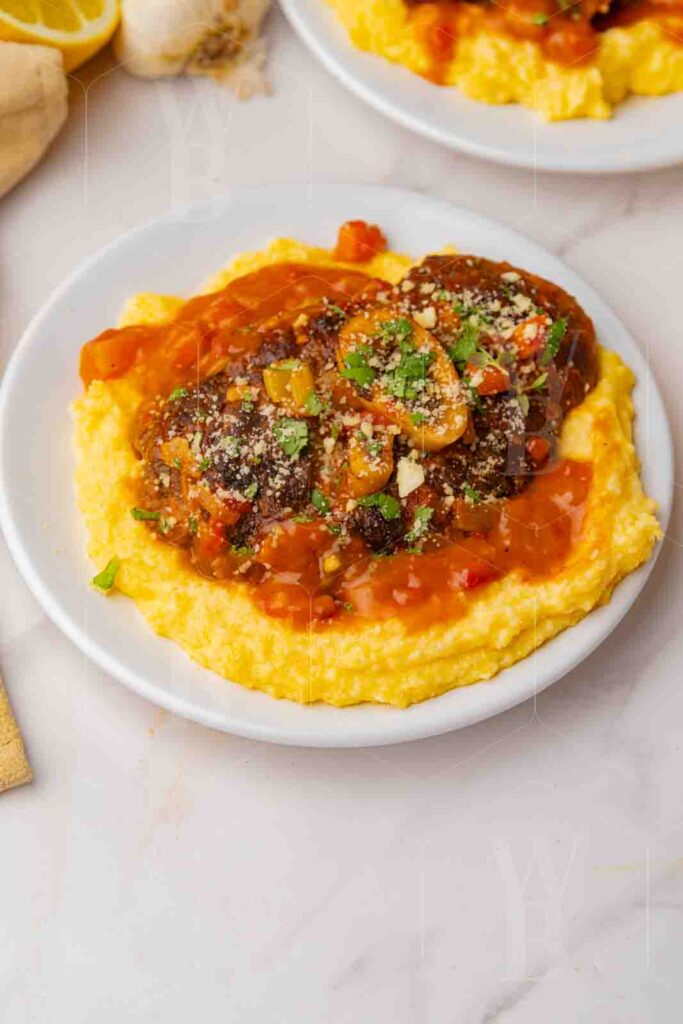
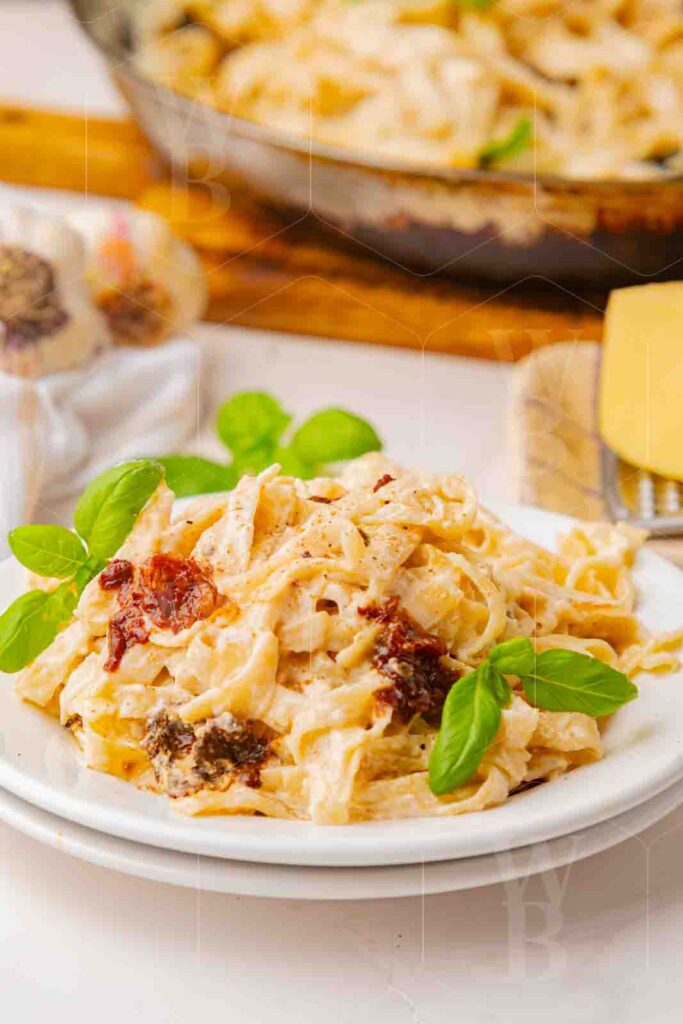
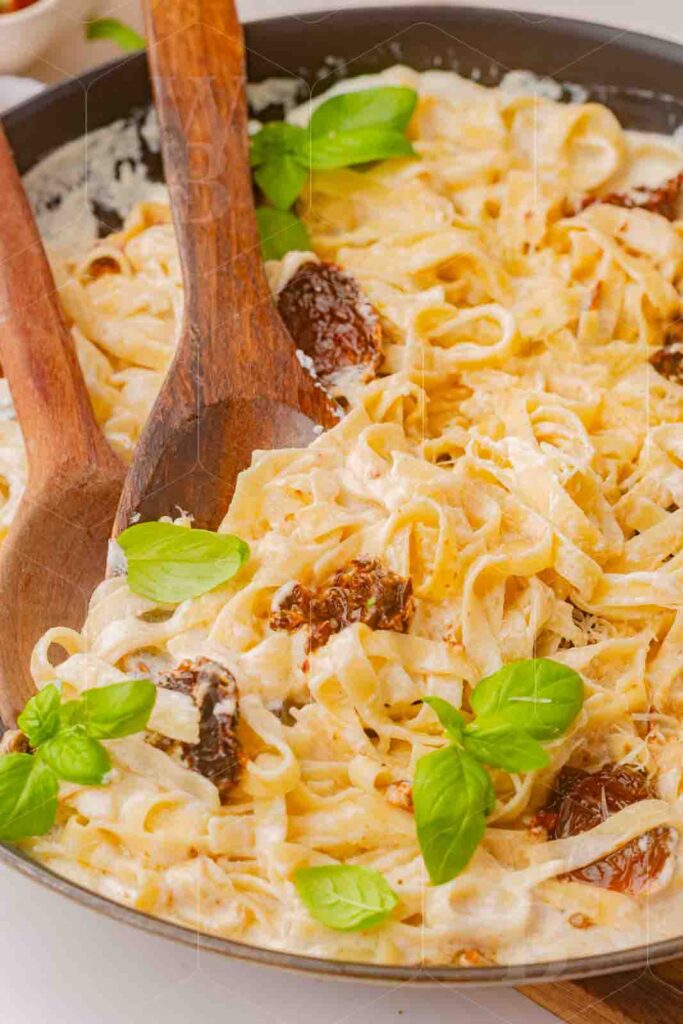
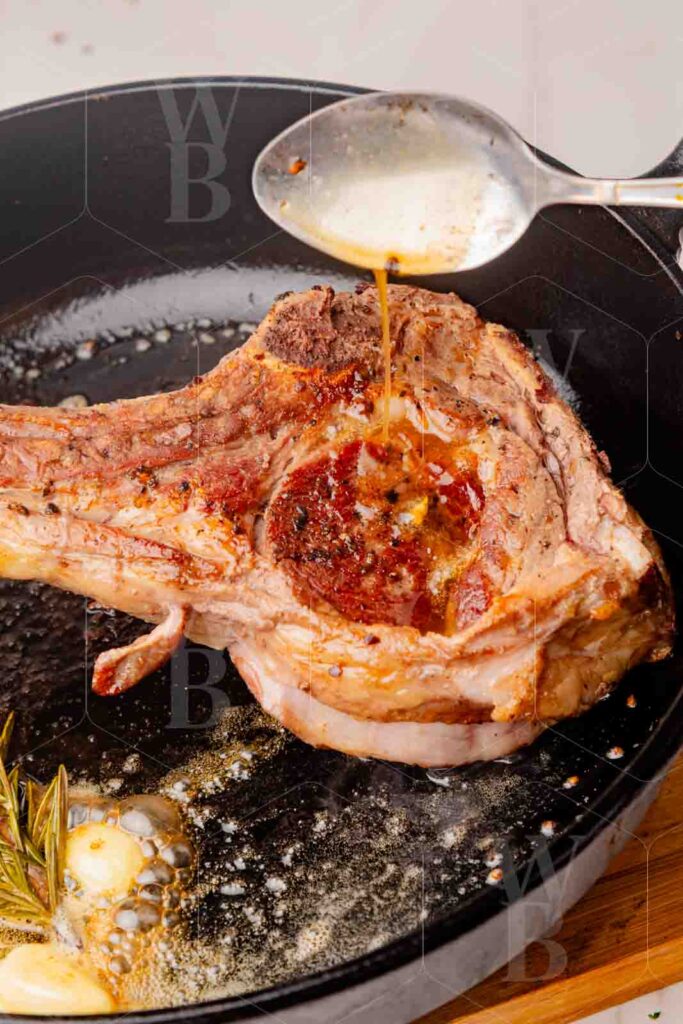
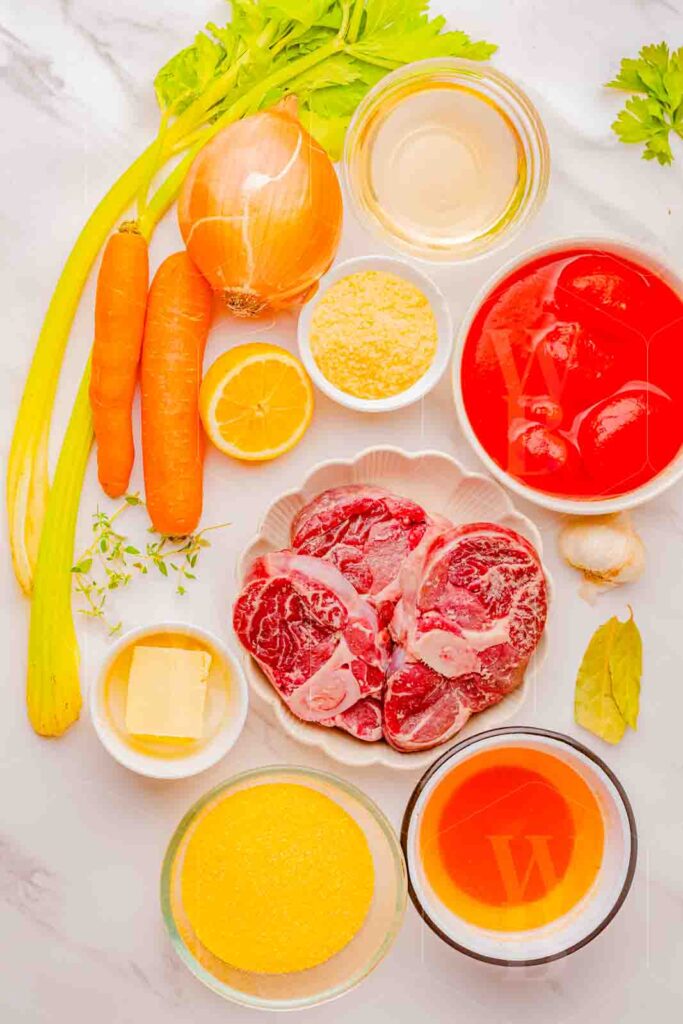
Put a short title on each pin in large, high-contrast type, and keep it off the best part of the dish. Use the same fonts and colors across all of your pins so people start to recognize them in the feed.
Then fill in the text fields, because that's where Pinterest reads what the pin is about. Write a different title for each pin, with the main keyword near the front. Add a description of two or three sentences that explains what the recipe is, and add alt text that describes what's actually in the image. Save each pin to the board that fits it best.
Don't post all five on the same day. Space them out over a few days or weeks, so the same URL isn't hit with several pins at once. Most scheduling tools can do this for you (Tailwind calls it pin spacing).
Also put one or two of your best vertical images inside the recipe post itself, so readers can save it straight from the page.
Keep this table next to your shot list, and every recipe will leave the shoot with a full set of pins at the right Pinterest pin size.
| Pin | Source shot | What goes on it |
|---|---|---|
| 1. Overhead hero | Hero shots | Dish name and one benefit |
| 2. 45 degree hero | Hero shots | A different angle: the occasion or a key ingredient |
| 3. Close-up | Hero shots | One or two words about texture or taste |
| 4. Process pin | Process shots | "How to Make [Dish]" |
| 5. Ingredient pin | Ingredient shot | "What You Need for [Dish]" |
Making five pins per recipe adds up quickly. If you'd rather spend that time writing and publishing, every set in our shop comes with ingredient, process, and hero shots, shot in vertical 2:3 frames, plus a working recipe document. Each set is sold to one blogger only, so your pins won't look like anyone else's.
Skip the shoot
Browse exclusive recipe photo sets with the full ingredient, process, and hero shot structure already done.
Browse the shop →Building out a whole topic instead of a single recipe? See how content clusters work.


Great taste! Keep these recipes fresh in your cart by entering your email below. We’ll even slip a special code into your inbox to sweeten the deal.